Is it possible to use Backupery for Slack without the workspace owner and other members being notified?
Post updated: 25 November 2025
The answer depends on the Backupery for Slack export mode (Synthetic or Slack API) which you choose when configuring the application.
Synthetic export mode uses your Slack username and password to connect to your Slack workspace.
Slack API export mode requires you to install the Backupery for Slack application to your Slack workspace.
CAUTION. If you are exporting data from your employer workspace, please make sure that you have legal rights to export the data. If necessary, consider consulting with your employer or supervisor.
If you are using the Synthetic export mode, nobody are explicitly notified. Please note however, that any computer application leaves traces so it is theoretically possible to discover the presence of the application.
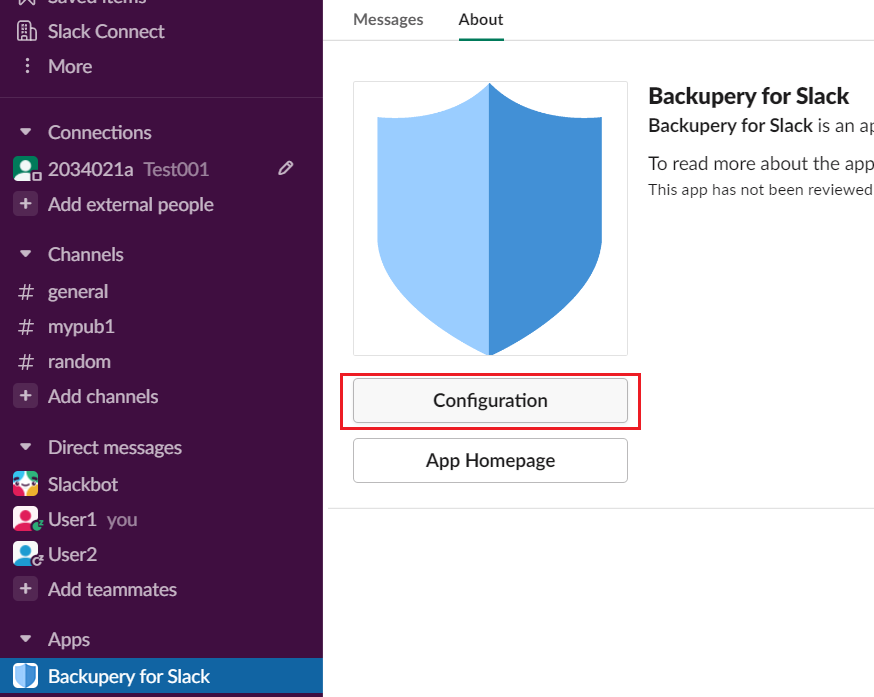
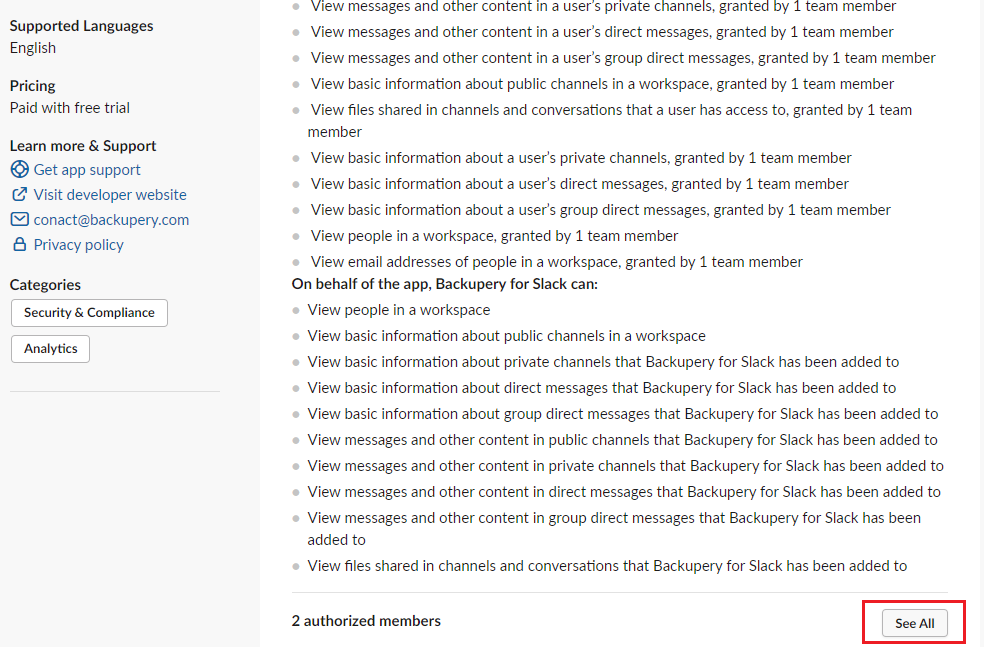
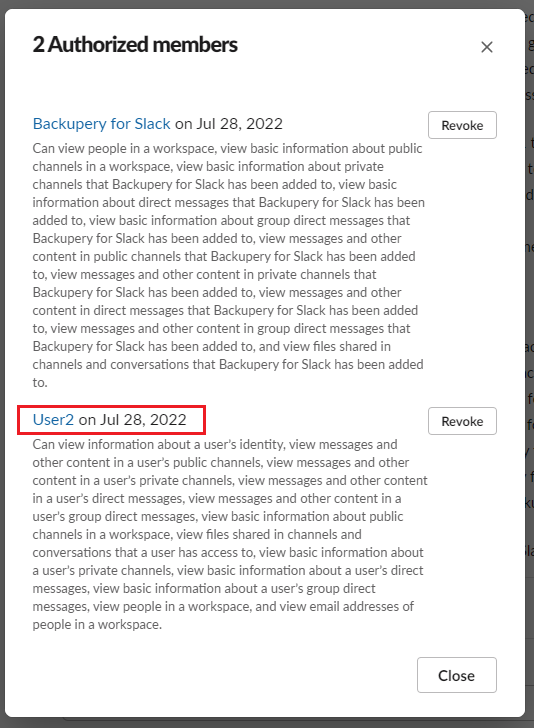
If you are using the Slack API mode that requires you to install the Backupery for Slack application to your workspace, a workspace owner and other members are not explicitly notified, however, there are numerous ways to see who and when installed the application. For example, any user can see the app configuration details (along with who installed the application) if the following steps are performed:
Click the Configuration button on the app page:
Scroll down the Configuration taband press the See All button:
The popup will show who and when installed the app:
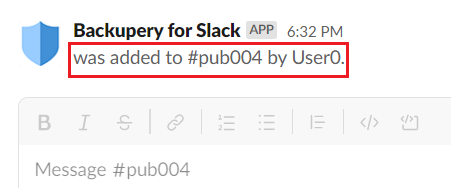
Please also note, that if a user adds the Backupery for Slack application to a channel, all the members of the channel can see that the application was added:

Screenshots are not visible
Thanks so much for the hint, fixed!